
Guides Overview
Comprehensive guides covering all aspects of Zorora, from installation to advanced workflows.
What You Can Find Here
This section provides step-by-step guides for:
- Installation - Get Zorora up and running on your system
- Configuration - Configure models, endpoints, and API keys
- Terminal REPL - Master the command-line interface
- Web UI - Use the browser-based research interface
- Research Workflow - Deep dive into deep research capabilities
- Code Generation - Generate code with Codestral
- Development Workflow - Multi-step code development with
/develop - Slash Commands - Complete command reference
- Nehanda v1 - Zorora’s synthesis model for
/searchand/research
Quick Start
If you’re new to Zorora, start here:
- Installation - Install Zorora and set up prerequisites
- Configuration - Configure models and endpoints
- Terminal REPL - Learn the command-line interface
- Research Workflow - Run your first research query
Popular Guides
Terminal REPL
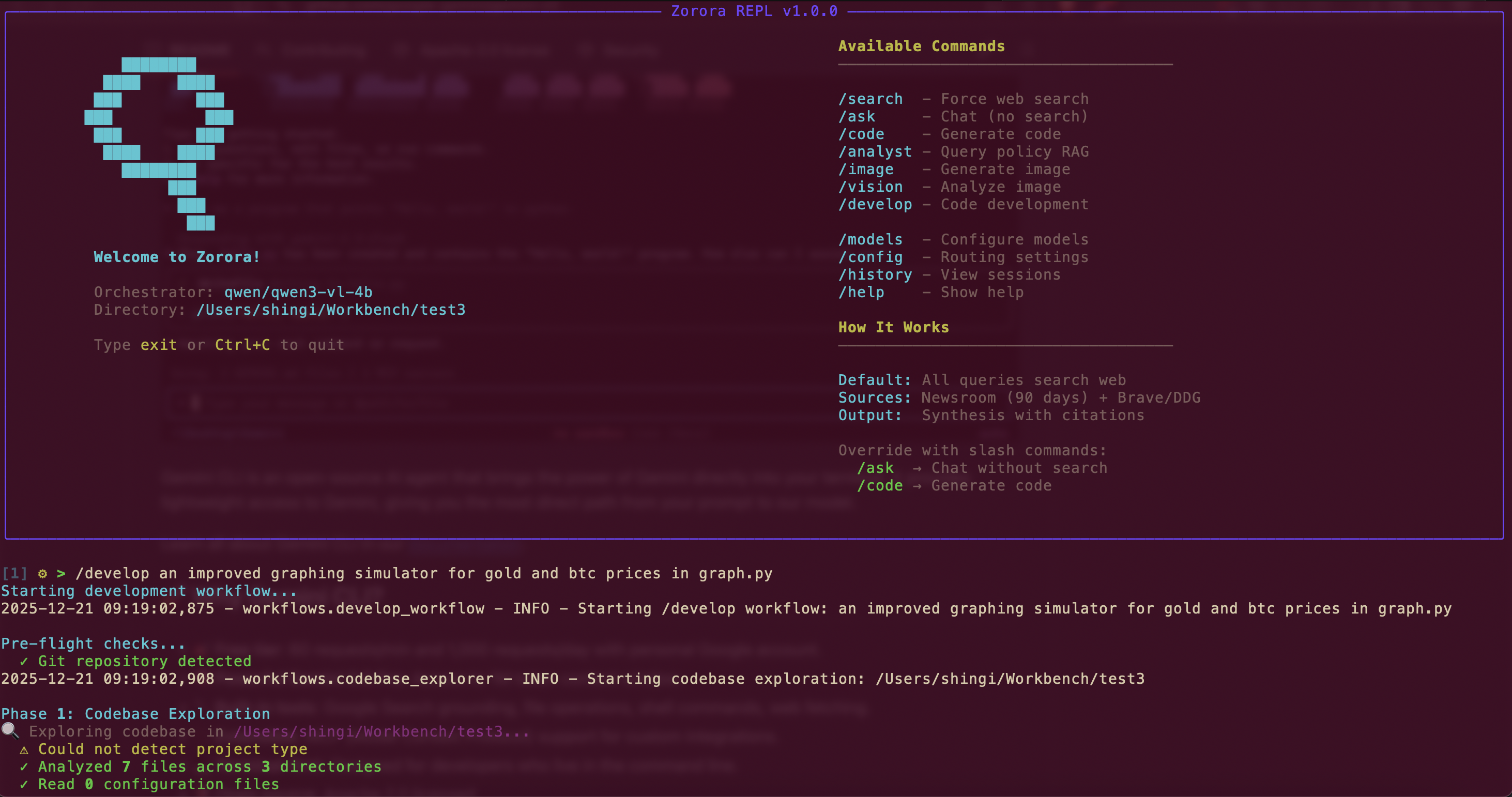
Interactive command-line interface for engineers. Learn slash commands, workflows, and advanced features.
Learn More →Research Workflow
Research Results Screenshot
(Placeholder)
(Placeholder)
Deep dive into Zorora's 6-phase research pipeline. Learn how to use depth levels, citation following, and credibility scoring.
Learn More →Slash Commands
Command Examples Screenshot
(Placeholder)
(Placeholder)
Complete reference for all slash commands: /search, /ask, /code, /develop, /image, /vision, and more.
Learn More →Web UI
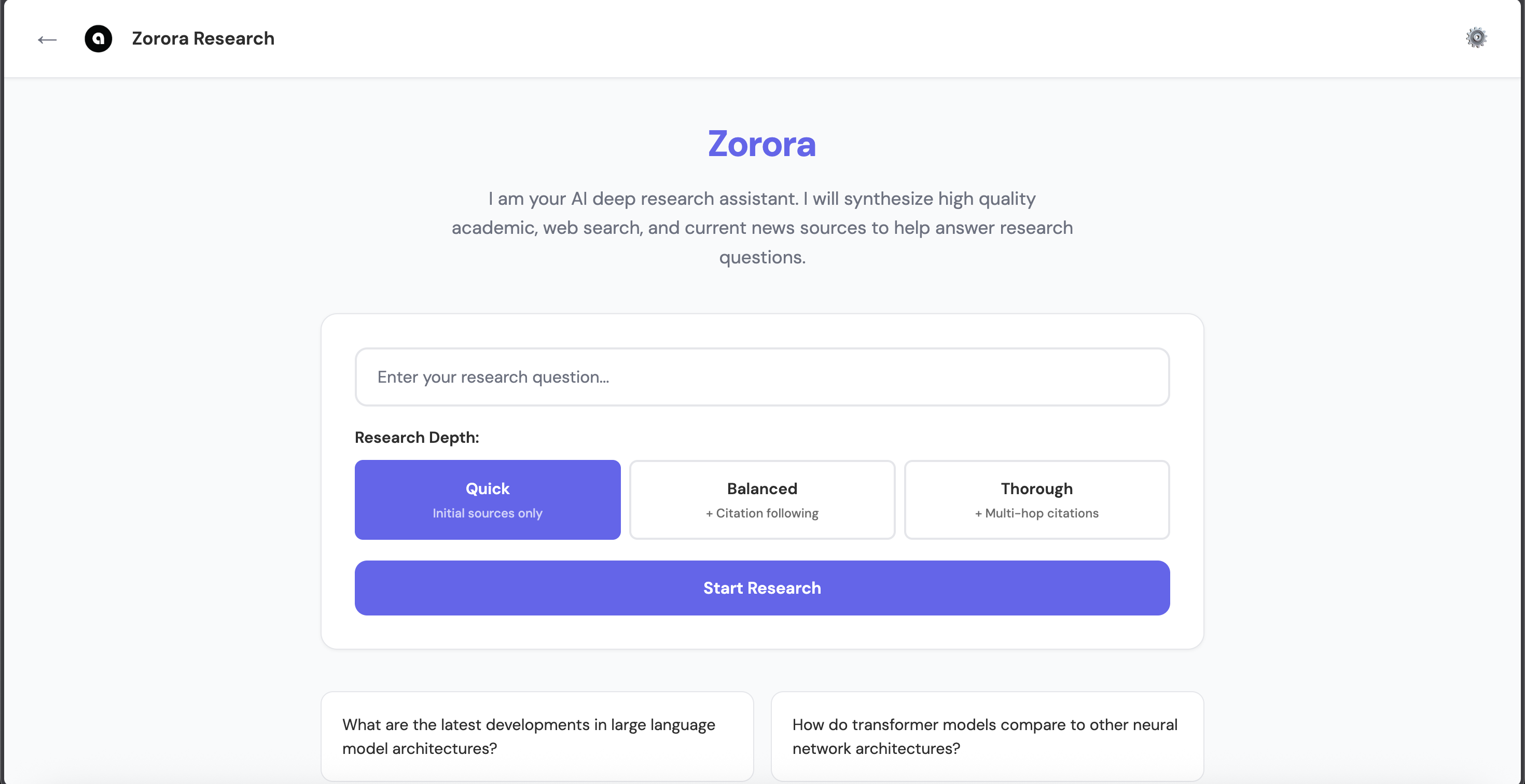
Browser-based research interface for non-engineers. Learn how to use the settings modal, configure models, and view research results.
Learn More →Core Concepts
Installation & Setup
- Installation Guide - Step-by-step installation instructions
- Configuration Guide - Configure models, endpoints, and API keys
Interfaces
- Terminal REPL - Command-line interface for engineers
- Web UI - Browser-based interface for non-engineers
Workflows
- Research Workflow - Deep research capabilities
- Code Generation - Generate code with Codestral
- Development Workflow - Multi-step code development
Reference
- Slash Commands - Complete command reference
- Nehanda v1 - Synthesis model for intelligence assessment and Zorora integration
Next Steps
- Getting Started - Quick start guide
- API Reference - Programmatic access documentation
- Technical Concepts - Deep dive into architecture
- Use Cases - Real-world examples
See Also
- Introduction - Overview of Zorora
- FAQ - Frequently asked questions
- Resources - Additional resources and links